
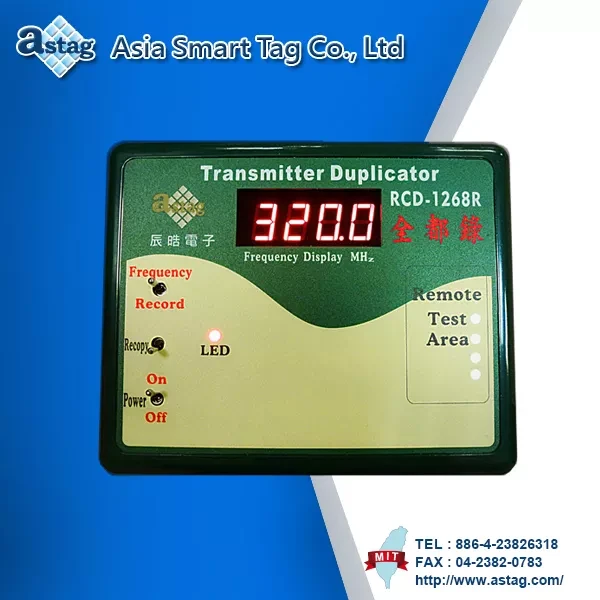
Remote Control Duplicator

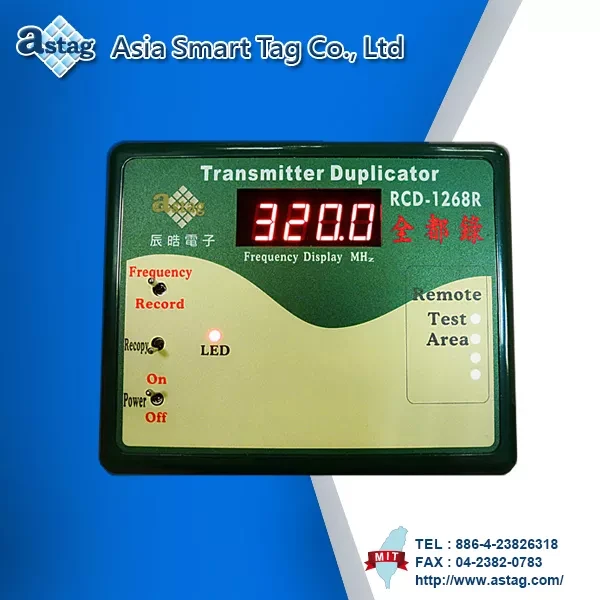
Specifications
| Display device | 4 Bit LED display | |
|---|---|---|
| Power display | Yes | |
| Frequency range | 250 ~ 450 MHz | |
| Hopping test | Yes | |
| Multiple copy | Yes | |
| Input voltage | DC 9V ~ 12V 600 mA | |
| Consumptive power | 3.5 W (Max) | |
| Size | 160 x 130 x 39 mm(L x W x H) | |
| Package | 1 pcs / box | |
| 20 box / carton | ||
| Weight | 267 g | |
| Operating temperature | -10℃ ~ +70℃ | |
| Storage temperature | 0℃ ~ +70℃ | |
- Can copy a transmitter with fixed code with 2 state/3 state.
- Detecting Display Frequency: 250~450 MHz.
Features
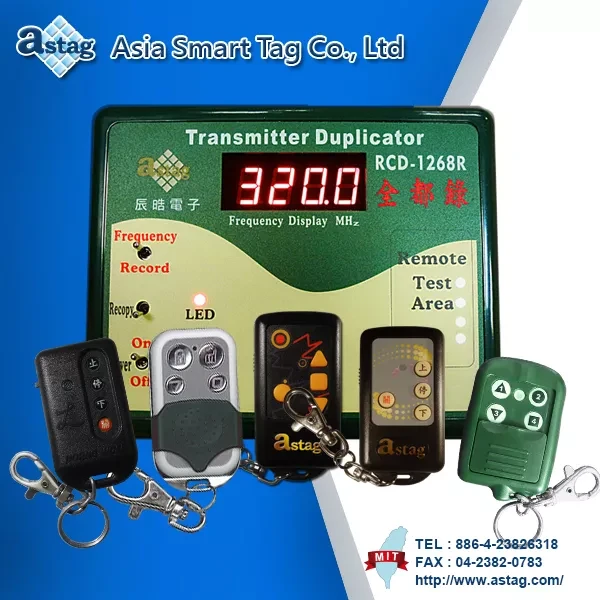
Can be used with the following Remote Controller.
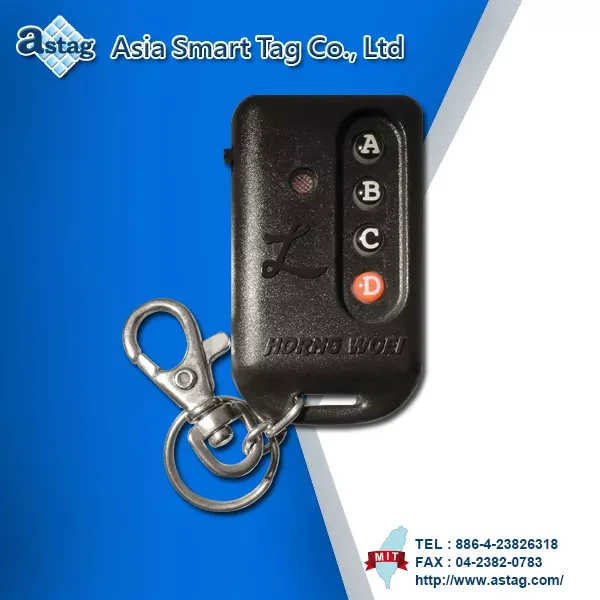

Remote Controller
RCRU6143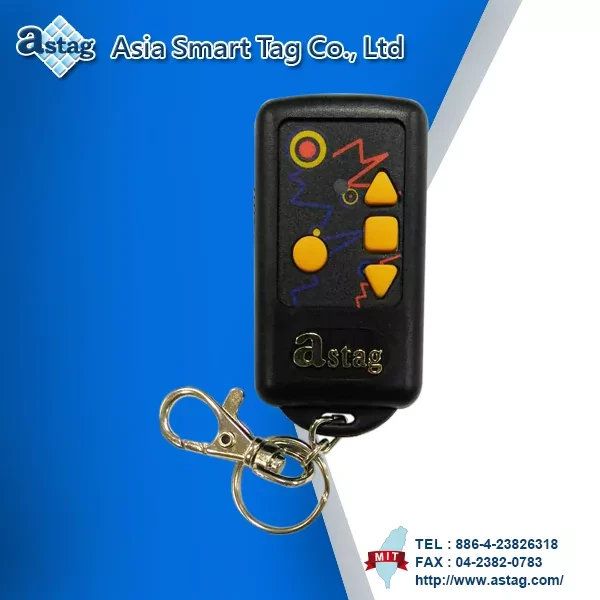
Remote Controller
RCRA6141
Remote Controller
RCRK6141
Remote Controller
RCB6146
Remote Controller
RCRM6121Applications
Instruction
HW-1268 Recording Transmitter Duplicator User's Manual
Power:
Switch to On, then you wil see the LED light is on as well.
Show Frequency:
Turn the switch to Frequency. Place the original transimitter on the Test Area. Then on the Indicator, you can see the frequency of the transmitter once you press any button on the transmitter.
Duplication-to copy the transmitter, follew these steps :
1.Trun the switch to Record, and connect the 6-pins conneclor with the learning transmitter. If is connected properly, you will see a decimal point on the indicalor. Then it is ready to copy.
2.If the decimal point displayed on the second bit, please turn the switch to Frequency, then turn to Record.
3. Place the original transmitter on the test area.
4.If you place the transmitter on the test area, and press the same button twice, then you'll hear the serial "beep" sounds. That means the transmitter is with hopping-code and can not be copied.
5. The duplication process should be started at the tirst button.
6.Press the first button on the learing transmitter, then you will see 1 on the right side of the indicator. (fourth bit)
7.Without releasing that button, press the first button on the original transmitter. The number 1 will go off. Once you hear a short beep sound and see 1 blinking once on the left side of the indicator, (first bit)you can release both buttons.
8.At this time, the number will keep blinking on the left side of the indicator (first bit). That means the data transmission is in process. Once you hear a long beep sound and see 1 blinking 3 times, the duplication process is completed.
9. To copy the second, third, fourth and fifth button, follow the same procedures (steps 3 to 5). But instead of seeing 1 on the indicator, you will see 2 or 3 or 4 or 5, depends on which button you press.
10.If the duplication is not successful, during the duplication process, you will hear 5 beep sounds and see the number blinking continuously. When you see a decimal point on the indicator again, turn the switch to Frequency, then turn to Record. The decimal point will be on the second bit, then you have to repeat step 3 to 8.
11.If you want to copy the second transmitter with the identical codes, simply connect the 6-pin connecttor with another new learning transmitter, and then turn the switch to Recopy and it will switch back automalically after 1 second. Wait for 30 seconds until you see 1 blinking and hear a long beep sound, the duplication process is completed, (If it was dual channel transmitter, you will see 2 blinking once the duplication process of second channel is completed.)
Adjust the frequency
1. Place the copied learning transmitter on the test area.
2. Turn the switch to Frequency.
3.Use an adjusting bar to adjust the learning transmitter to the right frequency.
Remark
There are two types of the duplicator, one is "ANALYTIC" another is "GENERAL"
"ANALYTIC" Type: the decimal point will on the second bit. "GENERAL" Type: the decimal point will on the fourth bit.
Download
Product Inquiry
| Image | Product Name |
|---|---|
|
Transmitter Duplicator RCD-1268R |